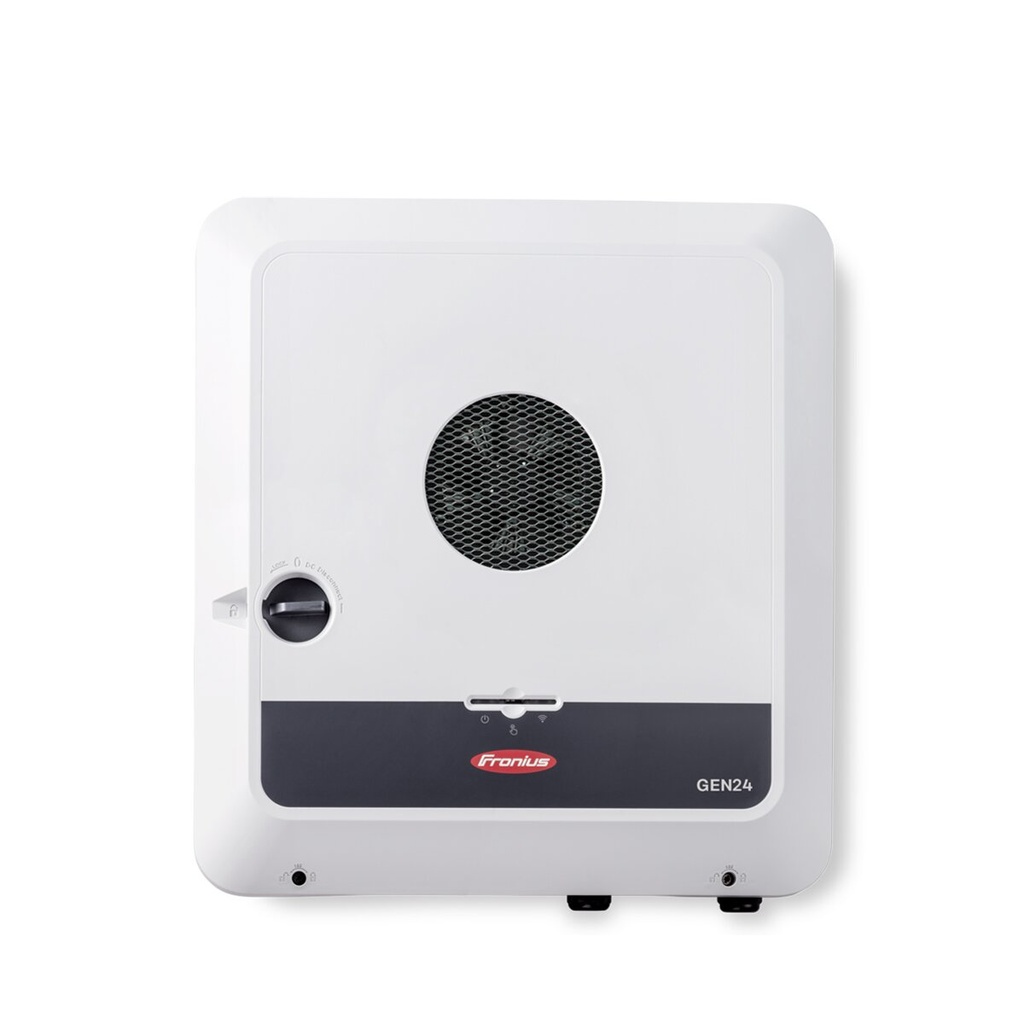
Product data
Good to know
Reliable power supply: To this end, the Fronius GEN24 SC features an integrated basic emergency power function via the PV Point. With the Fronius GEN24 Plus, which is also available, you can choose between the PV Point or the Full Backup option 1), which provides an emergency power supply for the entire household.
Built-in flexibility
The Fronius GEN24 SC and the Fronius GEN24 SC Plus feature open interfaces. This allows components from Fronius or third-party suppliers to be easily integrated into the system – for a bespoke PV system.
Versatility included
More functions. More control. More power. The Fronius GEN24 SC and the Fronius GEN24 SC Plus deliver long-term time and cost savings thanks to their energy management functions. At the same time, the integrated active cooling extends the service life and thus protects your investment.
AI-based energy management
The Energy Cost Assistant (ECA) can be used with the Smart Meter IP and, thanks to advanced AI technology, ensures optimised energy flows for maximum savings. It continuously analyses the expected PV output, current energy consumption and the current electricity price, and adapts the storage strategy accordingly in the best possible way.
The following components are required to use the Energy Cost Assistant:
- A Fronius Smart Meter IP to utilise the grid-charging function
- A battery storage system
- A Solar.web Premium subscription to use the feature
- A flexible electricity tariff for the customer
Other approved storage combinations:
- Fronius Reserva 6.3 kWh, 9.5 kWh, 12.6 kWh, 15.8 kWh
- Fronius Reserva Pro 12 kWh, 16 kWh, 20 kWh, 24 kWh, 28 kWh, 32 kWh
- BYD HVS/HVS+ 5.1 kWh, 7.7 kWh, 10.2 kWh, 12.8 kWh
- BYD HVM/HVM+ 11.0 kWh, 13.8 kWh, 16.6 kWh, 19.3 kWh, 22.1 kWh
All storage towers and the necessary accessories are available in the shop. We’d be happy to help you put together your system.
1) The Full Backup option is available for the Primo GEN24 3.0–6.0 Plus. Additional external components are required for grid switching to enable Full Backup. You can find more detailed information on this in the user manual.